How to get TikTok back on iPhone: 7 quick fixes for 2025
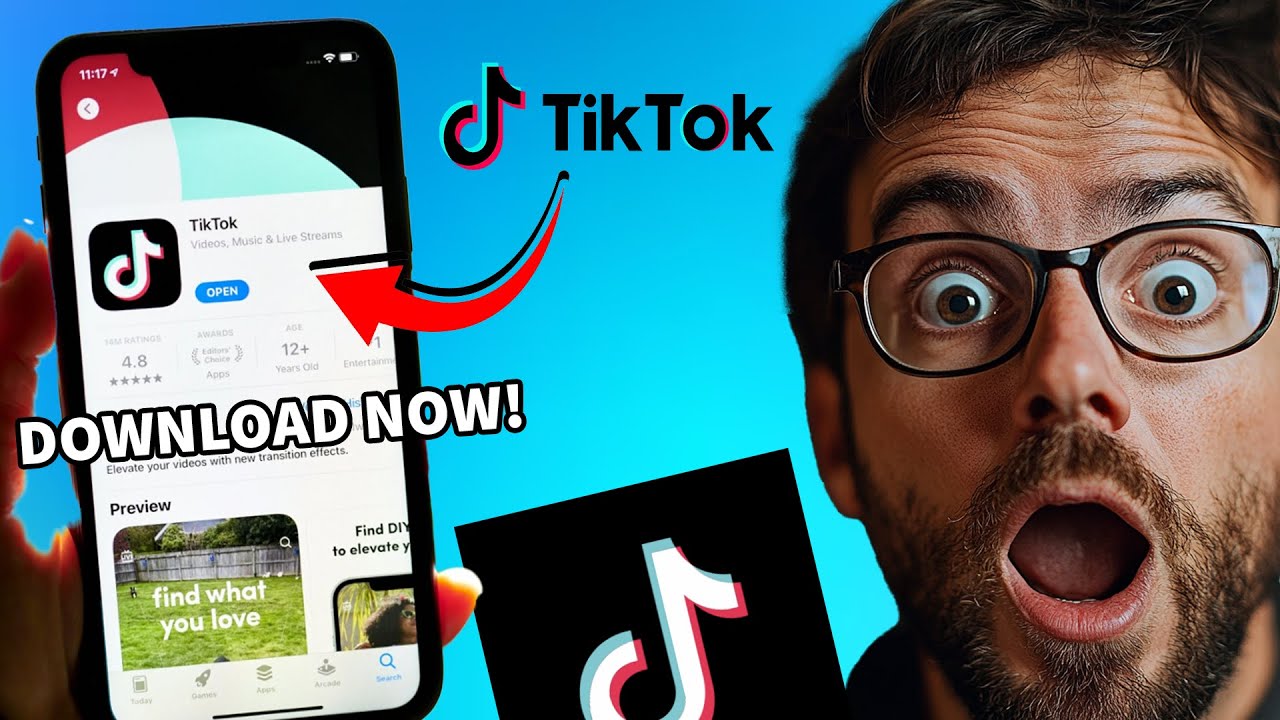
How to Get TikTok Back on iPhone
Are you feeling the void of TikTok missing from your iPhone? 🥺 It’s one of the most popular social media platforms for sharing short-form videos, and its absence can feel like a significant loss. Whether you’ve accidentally deleted the app or it’s not functioning properly, having TikTok back can be just a few steps away. In this guide, we’re going to explore how to get TikTok back on your iPhone, ensuring you’re back in the loop of entertaining clips and trending challenges in no time!
Understanding Why TikTok Might Be Missing
Before diving into the steps to recover your TikTok app, it’s important to understand the reasons behind its disappearance. Some common causes include:
- Accidental Deletion: It’s easy to accidentally remove apps, especially with frequent updates and changes in app behavior.
- Storage Issues: If your iPhone is running low on storage, the system may automatically delete apps to free up space.
- Software Updates: Sometimes, system updates can lead to temporary app unavailability.
How to Reinstall TikTok on Your iPhone
Here are the straightforward steps to get TikTok back:
Step 1: Open the App Store
Launch the App Store on your iPhone. You’ll find it on your home screen. The App Store icon resembles a blue square with a white “A.”

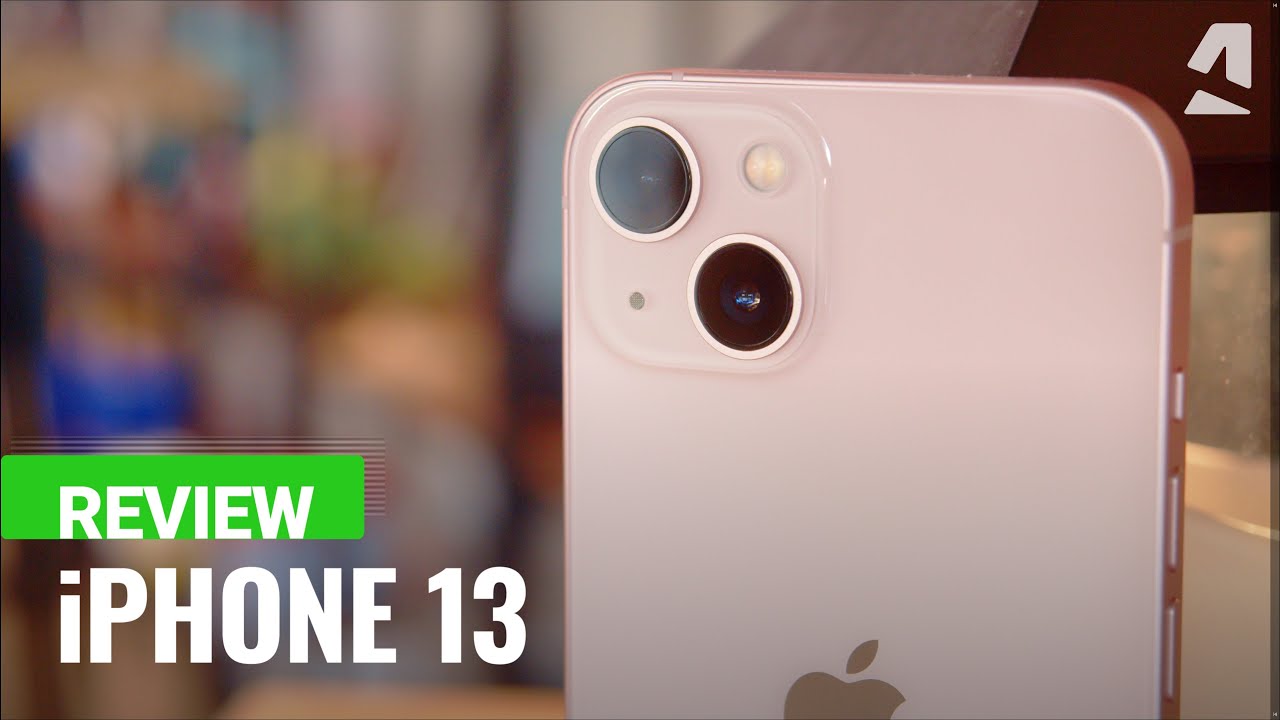
Step 2: Search for TikTok
Tap on the Search tab at the bottom of the screen. Type in “TikTok” in the search bar and press enter. Look for the official app icon featuring a musical note.
Step 3: Download TikTok
If you find TikTok listed, simply tap the Get button (or the cloud icon, if you previously downloaded it). This action will initiate the download.
Step 4: Open TikTok
Once downloaded, tap Open to access the app. You can also find the TikTok icon on your home screen for later use.
Troubleshooting Issues When Downloading TikTok
Sometimes, issues may prevent your TikTok from downloading properly. Here are some tips to troubleshoot:
Check Your Internet Connection
Make sure that your iPhone is connected to a stable Wi-Fi or cellular network. A weak connection can hinder app downloads.
Free Up Space on Your iPhone
If your storage is full, you might not be able to download new apps. Go to Settings > General > iPhone Storage to check your storage status and delete unnecessary files or apps.
Update Your iOS Version
If your iPhone’s iOS is outdated, it may cause compatibility issues. Navigate to Settings > General > Software Update to check for the latest updates.
Alternative Ways to Access TikTok
What if TikTok is still giving you trouble? Here are a couple of alternatives to access TikTok content temporarily while you resolve the app issue:
Using TikTok on the Web
You can access TikTok directly from your browser by visiting TikTok’s official website. This way, you can still enjoy videos and trends without the app.
Explore Similar Platforms
If you’re seeking out short-form video sharing, consider platforms like Instagram Reels or Snapchat Stories. These services offer similar functionality to TikTok, though with varying features.
Complementary Tools to Enhance TikTok Experience
Integrating TikTok with other tools can elevate your content creation and engagement. Here are some complementary tools that maximize your TikTok experience:
1. Video Editing Apps
Editing is crucial for creating eye-catching TikToks. Using an app like Adobe Premiere Rush can help you refine your videos before sharing.
2. Graphic Design Tools for Thumbnails
Create engaging video thumbnails with Canva. Here’s how it enhances your TikTok:
- Customizable Templates: Access templates specifically designed for social media.
- User-Friendly Interface: Easily navigate through various design tools.
- Branding: Maintain consistent branding across videos.
- Export Options: Save designs in multiple formats suitable for different platforms.
3. Scheduling Tools
Using a scheduling tool like Later allows you to plan and automate your TikTok posting schedule, maximizing consistency and audience engagement.
4. Music Editing Software
Enhance your videos with custom soundtracks using software like Audacity. This free tool helps edit music, making your TikToks more engaging.
5. Analytics Tools
Using analytics platforms such as Social Blade can provide insights into performance metrics, helping you improve content strategy on TikTok.
6. Collaboration Platforms
Engage with fellow creators through platforms like Discord, where you can share ideas and collaborate on content creation.
7. Capture & Share Feedback Tools
Implement tools like BuzzSumo to analyze what content goes viral and receive real-time feedback, tailoring your TikTok efforts accordingly.
8. Audience Engagement Tools
Utilize Hootsuite for engagement analytics. Here’s how it can amplify your TikTok:
- Streamlined Engagement: Manage multiple social media platforms in one place.
- Performance Tracking: Measure engagement and reach on your TikTok videos.
- Content Suggestions: Receive recommendations on optimal publishing times.
- Reporting Tools: Generate performance reports to refine strategies.
9. Content Creation Challenges
Join or create challenges through platforms like Challenge Accepted to increase visibility and engagement on your TikTok page.
10. Educational Resources
Leverage learning platforms like Skillshare to master TikTok trends and strategies from experts to enhance your overall plan.
Utilizing Your TikTok Account Effectively
To truly get the most out of your TikTok account, understanding how audience segmentation can affect your results is crucial. By analyzing your audience’s behavior and preferences, you can tailor your content to their liking, ensuring higher engagement and satisfaction. For instance, adapting different content strategies for teens versus adults can maximize reach.
Tips for Effective Content Creation
Here are some strategies to improve the effectiveness of your TikTok content:
- Diverse Content: Mix up your content style—use tutorials, behind-the-scenes, and trends.
- Engagement: Encourage viewers to comment, share, or like, increasing interaction with your posts.
- Leverage Hashtags: Use popular hashtags to increase discoverability.
- Consistency: Regularly posting high-quality content keeps your audience engaged.
By using your TikTok account strategically with the tips and complementary tools outlined here, you’re well on your way to becoming a TikTok star! ✨
Feel free to enhance or modify any specific section per your needs!
How to Get TikTok Back on iPhone 📱
If you’re wondering how to get TikTok back on your iPhone, you’re not alone. Many users face challenges when trying to access their favorite apps. Whether you accidentally deleted it, encountered a glitch, or the app itself was uninstalled, rest assured there are several effective ways to restore it. By following the steps outlined in this guide, you can quickly regain access to your beloved social platform.
Common Issues That Cause TikTok to Disappear
Understanding the potential reasons behind TikTok disappearing from your iPhone is essential. Here are some common issues:
- Accidental Deletion: Sometimes, users may inadvertently delete the app.
- Software Glitches: Bugs and technical issues can cause apps to crash or disappear.
- Storage Issues: Not having enough storage can affect app visibility and functionality.
- App Restrictions: Certain settings might restrict access to apps, especially if there are parental controls.
Steps to Reinstall TikTok on Your iPhone
Now let’s explore how to get TikTok back on your iPhone. The following steps will guide you through the reinstallation process:
Step 1: Open the App Store
Begin by tapping the App Store icon on your iPhone home screen. This is your gateway to reinstalling TikTok.
Step 2: Search for TikTok
Utilize the search bar at the bottom of the screen to type in TikTok. This will help you locate the app quickly.
Step 3: Install the App
Once you find TikTok, tap the Get button. If you’ve previously downloaded it, the cloud icon will indicate that you can reinstall it easily.
Step 4: Open TikTok
After installation, tap on the app icon to open TikTok. Log in with your account details, and you’ll be back in your feed in no time!
Troubleshooting Tips for Persistent Issues
If you still cannot get TikTok back on your iPhone after following the steps above, consider these troubleshooting tips:
Check Your Internet Connection
Ensure your iPhone is connected to the internet. Poor connectivity can often hinder app downloads and functionality.
Restart Your iPhone
Sometimes, a simple restart can resolve many issues. Hold down the power button and slide to power off, then turn it back on.
Update iOS Version
Keeping your iPhone’s operating system updated can prevent compatibility issues. To check for updates, go to Settings > General > Software Update.
Check Device Storage
If your device is low on storage, this can prevent apps from being installed. Free up space by deleting unused apps or files.
Complementary Tools to Enhance Your TikTok Experience
While understanding how to get TikTok back on your iPhone is crucial, using complementary tools can enhance your overall experience. Here are several tools and services to consider:
1. Video Editing Apps
Using video editing apps like Adobe Premiere Rush can significantly improve the quality of your TikTok videos. It allows for more customization and creativity.
2. Social Media Management Tools
Tools like Buffer help you schedule TikTok posts, ensuring that your content reaches your audience at optimal times. Here are additional benefits:
- Easy scheduling of posts to maximize engagement.
- Analytics features to track performance and growth.
- Multi-platform support for an integrated strategy.
- User-friendly interface for efficient management.
3. Music Licensing Services
Consider using services like Epidemic Sound to find royalty-free music tracks for your TikTok videos. This helps you avoid copyright issues while enhancing your content.
4. Hashtag Research Tools
Using hashtag research tools can help boost the visibility of your TikTok content. Tools like Hashtags for Likes can help you find the best tags to increase your reach.
5. Collaboration Platforms
Platforms like Collabstr facilitate collaborations with other creators, expanding your network and audience base.
6. Analytics Tools
Using analytics tools such as Tiklytics can track your engagement metrics on TikTok, helping you make data-driven decisions about your content strategy.
7. Graphic Design Tools
Enhance your visuals using graphic design tools like Canva, allowing you to create eye-catching thumbnails and video covers that attract viewers.
8. Content Planning Apps
Content planning apps like Trello help streamline your content creation process and manage your posting schedule efficiently. Here are some benefits:
- Visual organization of your content calendar.
- Collaboration features to work with team members.
- Checklists to ensure content completeness before posting.
- Integration with other tools for a seamless workflow.
9. Caption Generators
Using tools like Caption Plus can help you generate engaging captions for your TikTok videos, making them more appealing to viewers.
10. Community Engagement Tools
Utilizing platforms like Discord allows you to build community engagement around your TikTok content, encouraging discussions and feedback from followers.
Best Practices After Reinstalling TikTok
Once you’ve successfully installed TikTok, adhering to best practices can enhance your usage experience:
Personalize Your Profile
Make sure your profile reflects your personality. Engaging bios and profile pictures can attract more followers.
Create Engaging Content
Focus on producing unique and authentic content. Understanding your target audience will significantly impact your content’s reception.
Engage with Your Audience
Respond to comments and messages to build a loyal community. Engagement is key to growing your presence on TikTok.
Utilize TikTok Features
Experiment with TikTok’s numerous features, such as Duets and Stitch, to diversify your content. This can lead to increased visibility on the platform.
Conclusion
Mastering how to get TikTok back on your iPhone is vital for continuing to enjoy this entertaining platform. Combine the reinstall process with complementary tools for an enhanced experience. With the right approach, you can easily navigate through any obstacles that arise and get back to creating captivating content on TikTok! Happy TikToking! 🎉
For more detailed information about TikTok and app using tactics, refer to Wikipedia, or visit the official TikTok website for updates and features.
Alternatives and Workarounds
How to Get TikTok Back on iPhone 📱
If you’re wondering how to get TikTok back on your iPhone, you’re not alone. Many users have faced the frustration of losing access to this popular app. Whether it’s due to accidental deletion, updates, or storage issues, there are several effective methods to restore TikTok on your device. Let’s dive in and explore the practical steps you can take.
Why You Might Lose Access to TikTok
Understanding why you might lose access to TikTok can help in preventing future occurrences. Common reasons include:
- Accidental Deletion: It’s easy to delete apps unintentionally while cleaning up your home screen.
- Storage Issues: If your device is low on storage, iOS may remove apps to make space.
- Software Updates: Incompatibility issues can arise after an iOS update, affecting app functionality.
- Account Issues: Sometimes, problems related to your TikTok account can restrict access to the app.
Methods to Restore TikTok on Your iPhone
1. Reinstalling TikTok from the App Store
The simplest way to get TikTok back on your iPhone is by reinstalling it from the App Store. Follow these steps:
- Open the App Store.
- Tap on the Search tab at the bottom.
- Type “TikTok” in the search bar and select the app from the results.
- Tap on the Download icon (cloud with an arrow) to reinstall.
2. Checking for Software Updates
Ensuring that your iPhone is on the latest iOS version can help resolve compatibility issues:
- Go to Settings.
- Tap General and then Software Update.
- Download and install any available updates.
3. Freeing Up Storage Space
If your storage is nearly full, you might have to clear some space. Here’s how:
- Open Settings and select General.
- Tap iPhone Storage.
- Review your apps, offload unused ones, or delete content to clear space.
4. Restarting Your iPhone
A simple restart can sometimes resolve many issues:
- Press and hold the Power button until the slider appears.
- Drag the slider to turn off your iPhone.
- Once it’s off, press the Power button again to turn it back on.
5. Resetting Network Settings
If you are having trouble connecting to TikTok, resetting your network settings may help:
- Go to Settings.
- Select General > Reset.
- Tap on Reset Network Settings.
Enhancing Your TikTok Experience
While you’ve learned how to get TikTok back on your iPhone, why not explore complementary tools that can enhance your TikTok experience? Here are some interesting ideas:
1. Social Media Management Tools
Tools like Hootsuite can help you plan and schedule your TikTok posts, ensuring that you engage with your audience effectively. Check it out here.
2. Video Editing Apps
Enhance your TikTok videos with editing apps like InShot:
- Easy-to-use interface, perfect for quick edits.
- Variety of filters and effects to elevate your content.
- Offers music integration for a better audio experience.
- Ability to export videos in various resolutions.
3. Analytics Tools
Using analytics tools like TikTok Analytics can help you track your account performance, leading to tailored content strategies. Discover more about TikTok Analytics here.
4. Graphic Design Tools
Utilize graphic design tools such as Canva to create striking visuals for your TikTok posts:
- Offers a myriad of templates tailored for social media.
- User-friendly drag-and-drop features for ease of use.
- Possibility to animate graphics for more engaging content.
- Collaboration tools for team projects and brainstorming.
5. Music Licensing Services
To enhance your TikTok videos with licensed music, consider using services like Epidemic Sound. You can find more details here.
6. Hashtag Generators
Tools like All Hashtag can help you find trending hashtags to maximize your reach on TikTok. Learn more about hashtag optimization here.
7. Training Courses
Platforms like Skillshare offer courses focused on TikTok marketing, helping you master the platform. Explore learning opportunities on Skillshare here.
8. Content Planning Apps
Using content planning apps like Trello can help you organize your TikTok content effectively:
- Visually plan your content calendar for effective posting.
- Collaborate with teammates for brainstorming sessions.
- Track progress on video production and uploads.
- Integrate with other tools for seamless workflow.
9. Community Engagement Tools
Engage your audience with tools like Discord to build a community around your TikTok content. Find out how Discord can enhance your engagement here.
10. Backup Tools
Make sure to protect your content with backup tools like Google Drive. Discover how to keep your TikTok creations safe here.
Understanding Audience Segmentation on TikTok
To effectively get TikTok back on your iPhone and utilize it, it’s essential to understand how audience segmentation impacts your content. Tailoring your posts based on the preferences and demographics of different audience segments can lead to better engagement rates. By analyzing viewer feedback and adjusting your strategies, you can deliver content that resonates deeply with your followers.
Conclusion
Restoring access to TikTok on your iPhone is just the beginning. By adopting complementary tools and understanding your audience, you can maximize your experience and successfully engage with your viewers. Remember, TikTok is about creativity and connection, so leverage these strategies to enhance your platform journey.
